
Top 7 Alternatives of ServiceNow for Incident Management
Many teams hit limits in ServiceNow once incident volume climbs and custom workflows start costing extra developer hours. Some tools hide those added fees until renewal, while others force workarounds when new compliance rules appear. The seven alternatives reviewed here each handle that exact pressure differently.
By the final section you will know the concrete features, pricing models, and setup effort required for each option, plus the single checklist that separates the best fits from the rest. The verdict names the platform that earned the top slot for most incident-management teams.
What to Look For in ServiceNow Incident Management Alternatives
Effective ServiceNow alternatives must support the full incident lifecycle from ticket routing to resolution. The right platform keeps issues moving through defined stages until closure.
Teams evaluating ITSM alternatives need to verify that each core process stays connected. Without this linkage, incidents slip through gaps and resolution slows.
Check that the platform offers clear visibility across every stage. This visibility helps staff understand status at a glance and act quickly when needed.
SLA management should include automated breach alerts that notify owners before deadlines pass. Time-based triggers can flag high-priority items that risk missing targets.
Escalation rules rely on both time and priority thresholds. These triggers move tickets to the next level when initial response windows close or severity increases.
Workflow orchestration lets teams build automation through drag-and-drop steps. No coding is required, so non-technical users can create and adjust processes fast.
CMDB integration displays configuration item dependencies. When an incident occurs, staff can see which services and infrastructure might be affected.
Asset management connects hardware and software records to incidents. Linking these details reduces duplicate data entry and speeds root cause identification.
Change management requires approval workflows that route requests to the right reviewers. Clear steps keep unauthorized changes from reaching production environments.
Problem management provides root cause analysis templates. Standardized forms help teams document findings and prevent repeat incidents.
Reporting dashboards should export to CSV and PDF formats. Export options let stakeholders review metrics without logging into the system.
Response times under five minutes are a common benchmark for critical incidents. Teams should confirm that SLAs can be set to match this target.
Platform uptime of 99.9 percent keeps service available around the clock. Downtime can delay incident logging and increase business impact.
API rate limits of 1000 calls per hour support automation without throttling. Integrations with monitoring tools and chat platforms stay responsive at this level.
1. Process Street - Best Overall
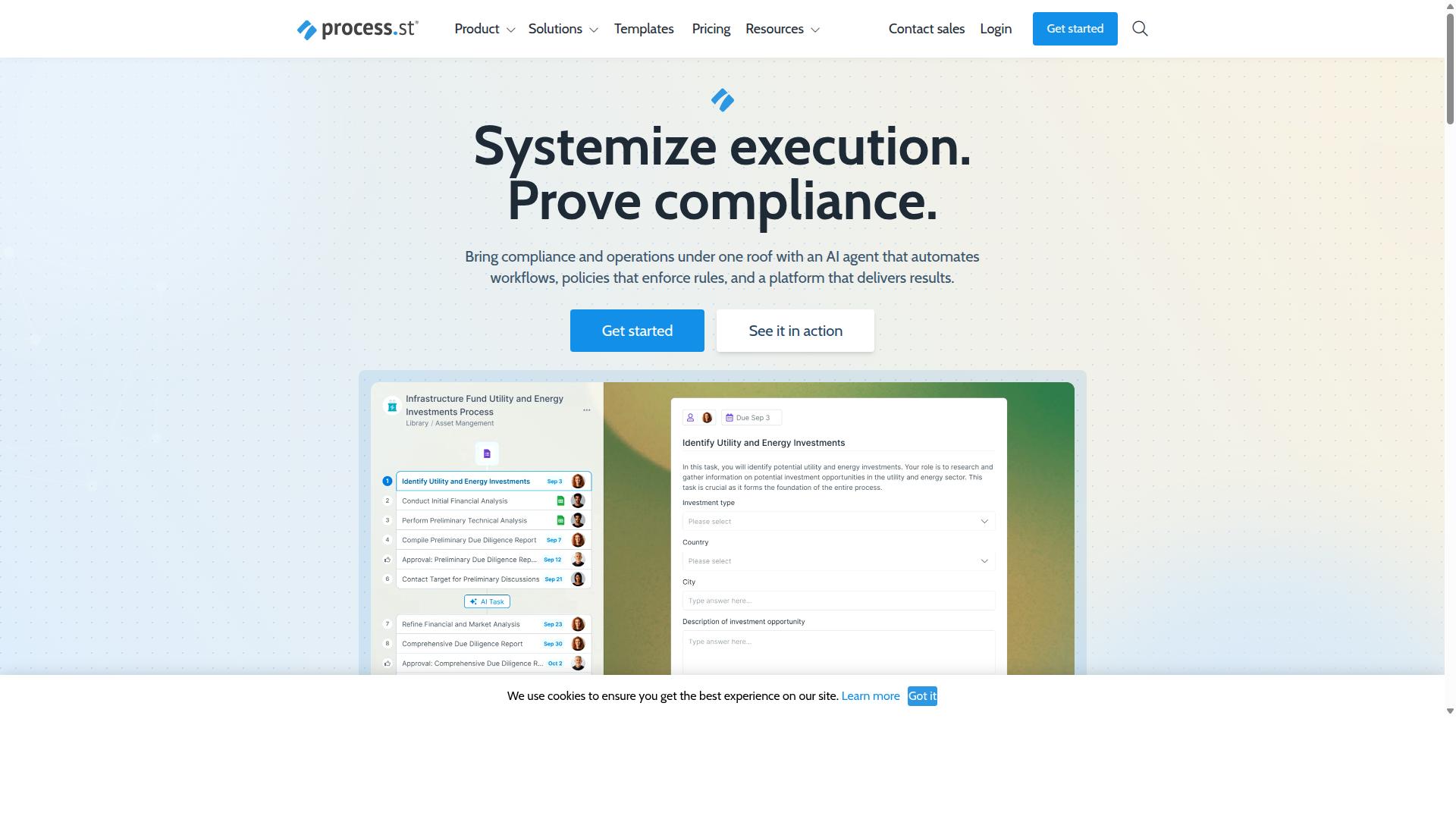
Process Street tops the list by combining compliance-grade process control with flexible incident workflows. The platform operates as a compliance operations system that automates processes and provides audit-ready proof for regulated industries.
Its Ops product turns policies into AI-powered workflows that support incident management. This approach helps teams maintain operational consistency while handling IT service management needs across different departments.
Key Incident Management Features
Process Street delivers core ITSM capabilities through its Ops workflow automation layer. The platform supports organizations that need both process governance and incident response functionality.
The platform supports organizations that need both process governance and incident response functionality.
The platform holds SOC 2 Type II and ISO 27001 certifications. These credentials matter for organizations that require documented compliance during incident lifecycle management.
Pricing and Plans
Three tiered plans accommodate startups through enterprise teams. The Startup plan includes up to 5,000 Data Set records, 5 users, 10 guests, and 100 automation actions per month. Enterprise removes these limits and adds unlimited Public API access plus dedicated Success Manager support.
Startup includes 5,000 Data Set records, 5 users, 10 guests, and 100 automation actions per month. Enterprise removes these limits and adds unlimited Public API access plus dedicated Success Manager support.
The 14-day free trial on Pro allows testing before committing to a plan.
2. Vanta
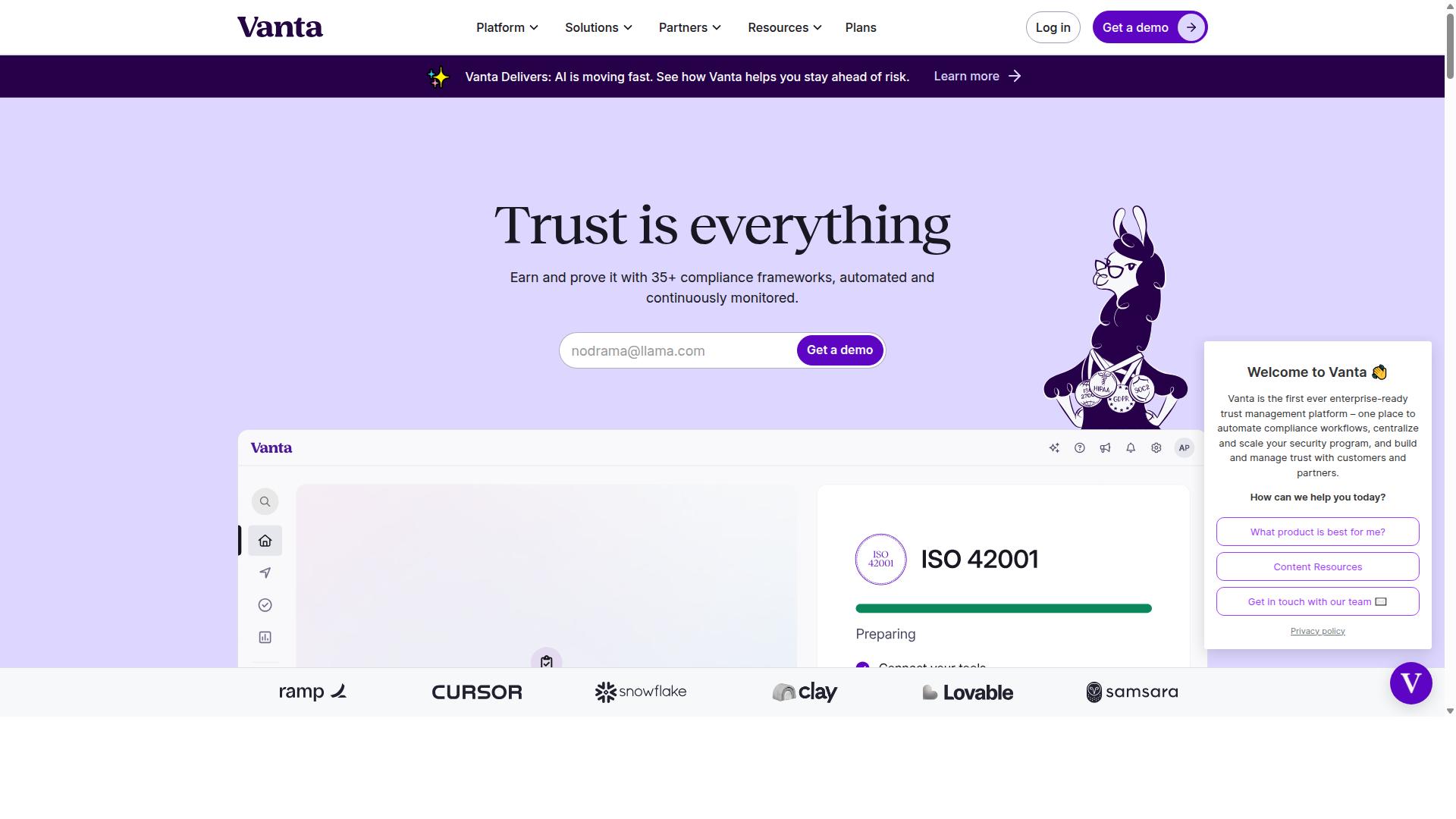
Vanta focuses on continuous compliance monitoring rather than full incident management. The platform automates evidence collection for SOC 2 and ISO 27001 certifications through hundreds of integrations. Organizations use it to maintain security standards across healthcare, fintech, and government sectors.
Teams can track security questionnaires and third party risk through its Trust Center features. The solution also supports AI governance and ISO 42001 requirements. Continuous monitoring helps reduce manual audit preparation across multiple frameworks.
Vanta lacks native incident ticketing and SLA timers. It does not include service catalog management or request fulfillment workflows. Organizations needing these capabilities should pair it with a dedicated ITSM tool.
Many teams combine compliance automation with separate incident management systems. This approach maintains certification requirements while handling ticket routing and escalation rules. The combination supports both security standards and operational response needs.
3. Diligent
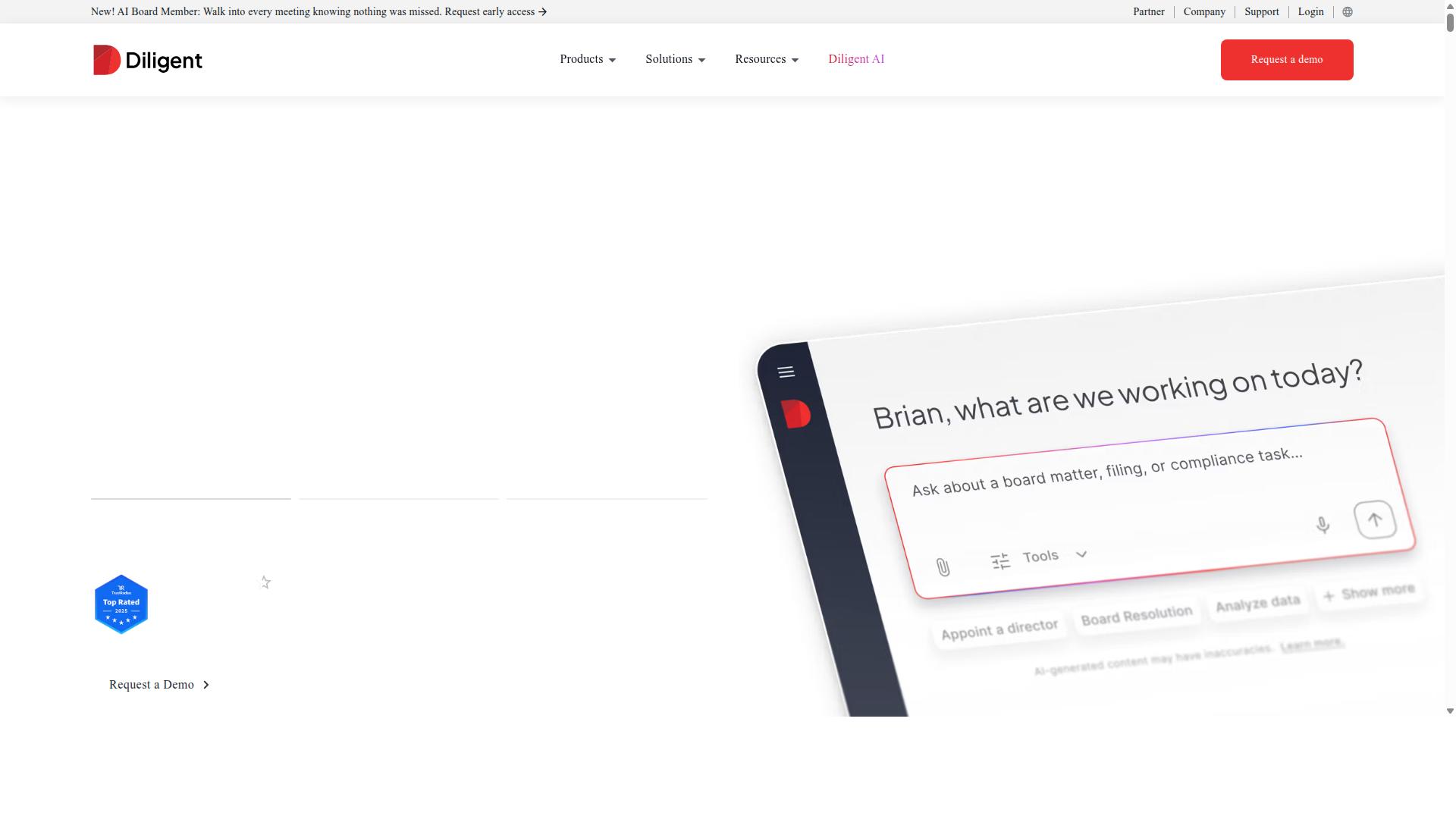
Diligent emphasizes board-level risk and policy oversight. The platform centers on governance, risk, and compliance activities through its unified workspace. Organizations use it for policy management, third-party risk tracking, and internal audit processes.
GRC dashboards consolidate risk data, policy status, and compliance metrics in one view. Users track entity records, conflict of interest declarations, and third-party assessments. These tools help executives monitor regulatory requirements across subsidiaries and external partners.
Policy attestation tracking records employee acknowledgments and completion rates for required training. Managers can see which staff have signed off on updated policies. This feature supports audit readiness and helps demonstrate compliance during reviews.
The platform lacks incident lifecycle automation found in dedicated ticketing systems. There are no built-in options for ticket routing, escalation rules, or SLA timers. Teams focused on incident management may need additional tools to handle request intake and resolution workflows.
ServiceNow alternatives often pair Diligent with separate ITSM platforms when organizations require both governance oversight and operational incident handling. This approach addresses board reporting needs while supporting daily service desk operations.
4. Scrut Automation
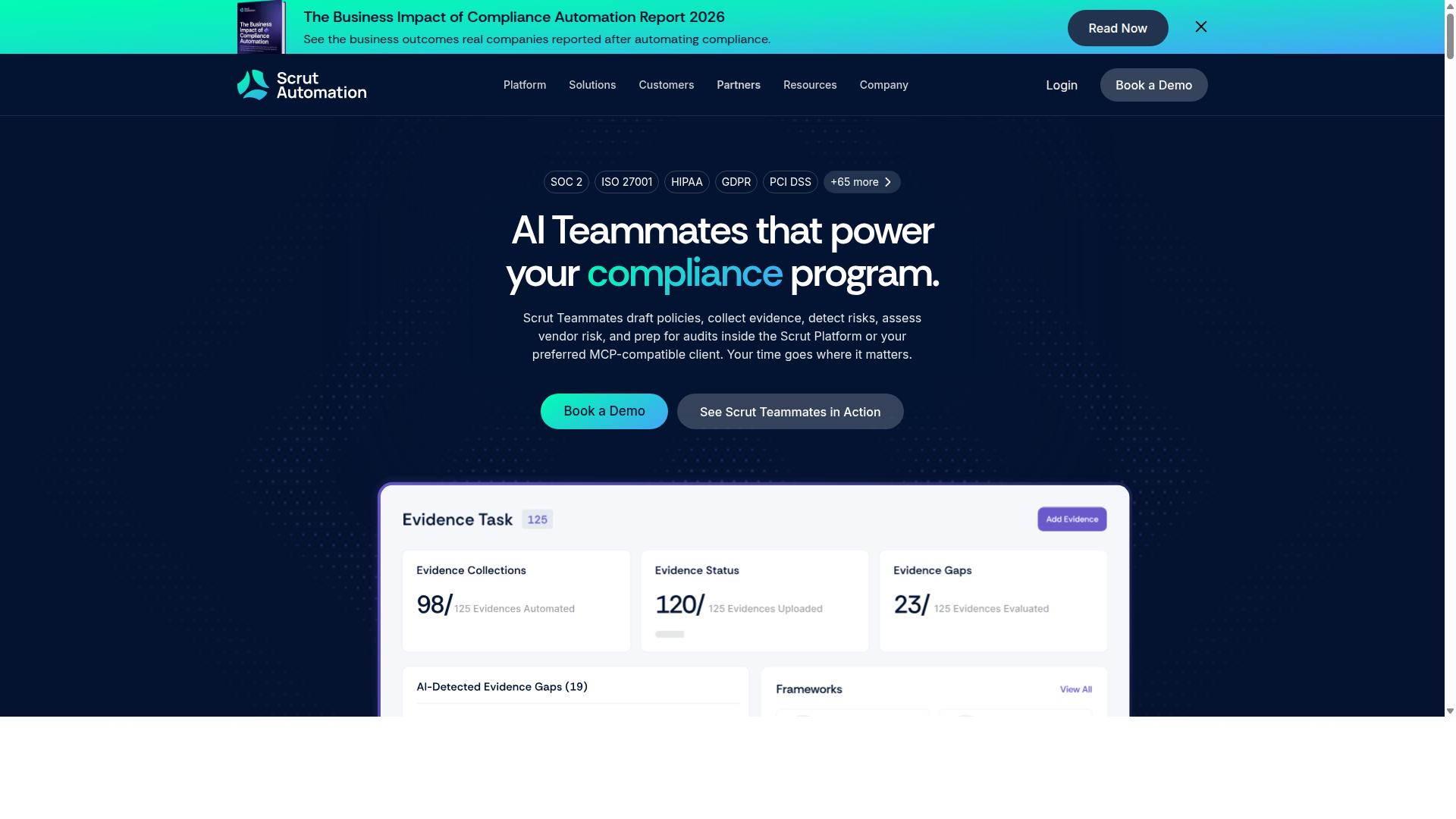
Scrut Automation provides automated security and compliance checks.
The platform focuses on continuous monitoring of cloud environments through direct connections to major providers like AWS, Azure, and Google Cloud. These integrations enable teams to track security posture, privilege assignments, and control effectiveness in real time across multiple accounts.
Asset discovery runs automatically as new resources appear in connected clouds. The system validates that configurations meet chosen compliance frameworks and flags deviations without requiring manual evidence collection.
Scrut does not include incident ticket workflows or SLA management as core features. Organizations seeking a full incident management solution typically pair Scrut with a dedicated ticketing system rather than replacing their existing ITSM platform.
Teams that need both compliance automation and incident tracking often maintain two separate tools. This approach lets each platform handle its primary function without forcing security data into a service desk interface.
5. Nintex
Nintex specializes in low-code process automation across departments. Organizations turn to this platform when they need flexible workflow tools that adapt to multiple business functions without heavy coding requirements. The system supports both cloud and self-hosted deployments through different product lines.
Nintex offers a drag-and-drop workflow builder that simplifies process creation for users across technical backgrounds. Teams can design automated sequences by connecting visual elements rather than writing complex scripts. This approach reduces development time while maintaining control over business logic.
The platform includes RPA bots that handle repetitive tasks through robotic process automation capabilities. These bots work alongside workflow processes to complete actions across different applications and systems. Users configure bot activities through the same visual interface used for workflow design.
However, Nintex requires users to build or integrate dedicated ITSM modules for incident and problem management separately. The platform focuses on general process automation rather than providing pre-built IT service management functionality. Organizations must extend the core system or connect external tools to handle incident lifecycle workflows, ticket routing, and SLA management specific to IT service management needs.
This modular approach works well for companies that already use Nintex for other business processes. Teams can leverage existing automation investments while adding incident management capabilities through custom development or third-party integrations. The flexibility comes with additional setup requirements compared to platforms designed specifically for IT service management.
6. LogicGate Risk Cloud
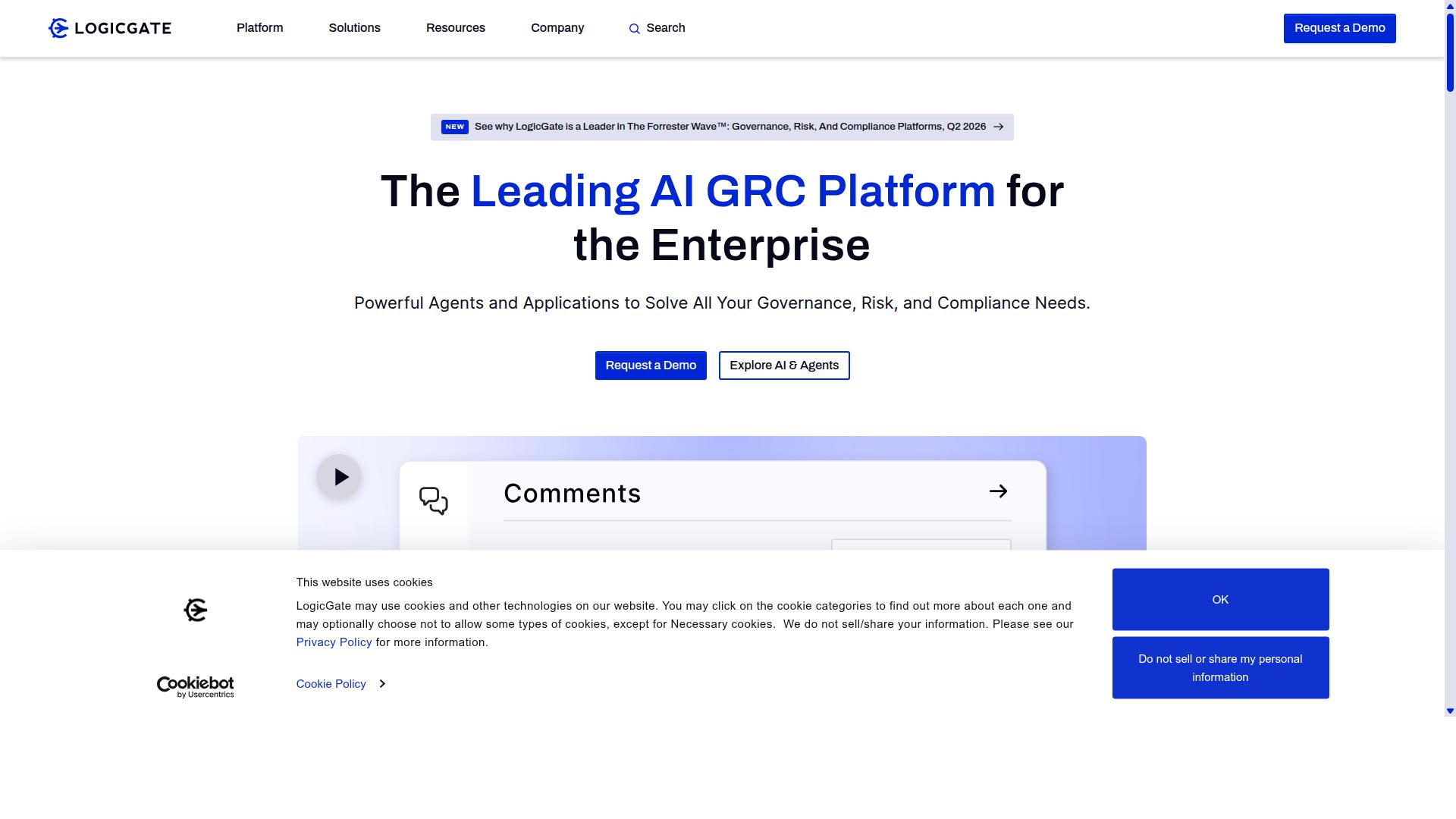
LogicGate Risk Cloud centers on operational risk and regulatory workflows. The platform focuses on building and managing risk and compliance processes through structured automation.
The system offers risk registers that help teams track and organize risk data. Users can create custom assessments with automated notifications that keep stakeholders informed throughout the process.
Control testing automation allows organizations to schedule and run compliance checks at regular intervals. This feature reduces manual oversight while maintaining audit trails for regulatory requirements.
LogicGate includes drag-and-drop workflow design that lets teams build processes without extensive technical knowledge. Real-time dashboards display current risk status and compliance metrics across the organization.
Native incident ticketing and CMDB integration are limited compared to dedicated ITSM platforms. Organizations seeking full incident lifecycle management may need to connect LogicGate with separate ticketing systems for complete coverage.
The platform supports integrations with existing systems to extend functionality. Teams can use these connections to bridge gaps between risk management and incident response processes.
7. Camunda
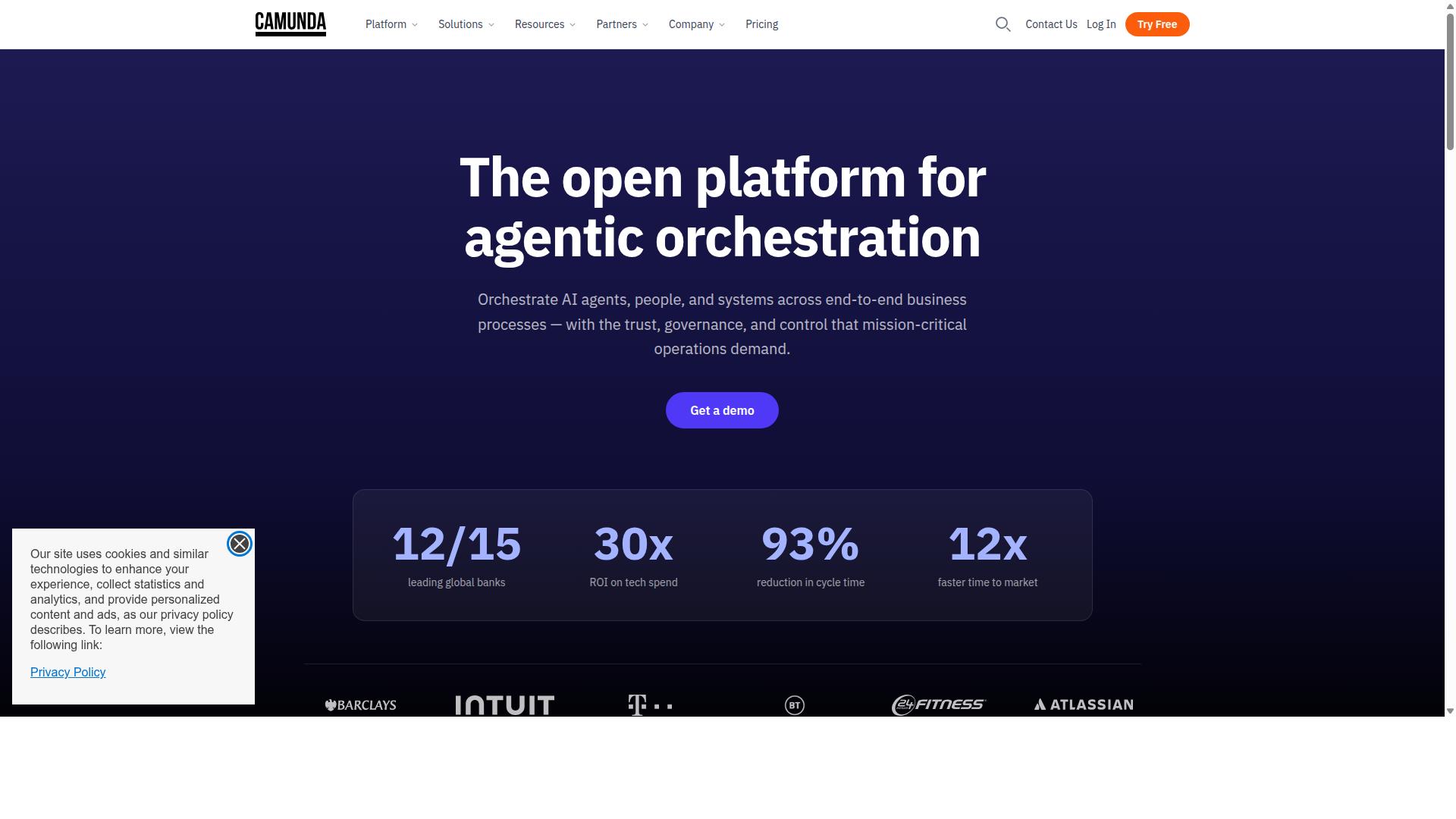
Camunda offers open-source BPMN-based process orchestration. The platform uses its BPMN engine to handle complex workflows and its DMN engine to manage decision logic in automated processes.
Organizations often choose Camunda when they need precise control over process flows that extend beyond standard ticketing functions. The modular design allows teams to define how systems interact during the incident lifecycle and how data passes between different components.
Incident management requires additional layers. Teams must build custom features for SLA tracking and create their own self-service portals that connect to the core engine.
Developers typically integrate Camunda with existing ticketing systems or IT service management tools. This approach works well when companies already maintain strong engineering resources and need to coordinate people, systems, and devices across multiple business processes.
The platform supports deterministic automation paths while allowing dynamic adjustments when incidents follow unpredictable routes. Workflow orchestration can blend predefined logic with AI agents to handle exceptions that standard systems might not cover.
Companies evaluating alternative platforms should consider their development capacity. Camunda delivers process coordination capabilities, but achieving full incident management functionality depends on the quality of custom development work completed around the core engines.
How to Choose the Right Option
Selection criteria should map directly to your team's size, compliance needs, and integration requirements. IT and security teams must match their incident management needs with the right platform features before making any switch from ServiceNow.
Start by listing the ITSM modules your organization actually uses. Most companies require incident, problem, and change management functions. Teams should check whether these functions come built into the platform or require extra development work.
Next, compare how quickly each platform handles SLA breaches. Financial services and healthcare organizations need to know their tolerance for delays. Some tools limit how many automation rules they can run at once, which affects response speed.
Finally, review API rate limits and CMDB connector options. These technical details determine whether the platform can handle your current ticket volume and asset management needs.
Compliance teams in regulated industries benefit from platforms that support ISO compliance and document control. Process Street serves financial services, healthcare, and capital markets teams with these exact requirements.
Operations and customer management teams often need request fulfillment alongside incident management. The platform should handle both without forcing separate systems for each process.
Final Verdict
Process Street stands out for teams that need both rigorous compliance controls and flexible incident workflows.
The platform holds SOC 2 Type II certification and ISO 27001 certification, giving security teams the audit trail they expect from enterprise ITSM tools.
Over 3,000 companies and more than 1 million users already standardize processes on the platform, providing a broad reference base when evaluating alternatives to ServiceNow for IT service management.
Recommended Resources: