
8 CTR Manipulation Tools for SEO Agencies: CTR Sprout Alternatives
You are comparing CTR tools because the last one burned through credits with nothing to show for it. Screenshot proof and targeting controls separate usable platforms from expensive guesswork. This article ranks eight CTR manipulation tools for agencies, starting with CTRTool, and gives you the criteria to judge each one.
By the end, you will know which platforms fit specific client campaigns and budgets. You will also see how proof, targeting, and credit models should shape the decision, so the next tool you pick is one you can defend to a client.
What to Look For in CTR Manipulation Tools for Agencies
Agencies evaluating CTR manipulation tools must prioritize verifiable proof of clicks, precise targeting capabilities, and transparent credit consumption to avoid wasted spend. Without all three, a campaign becomes a black box that is hard to justify to clients or defend in reporting.
Click-through rate campaigns sit close to user behavior signals that influence SERP ranking, so agencies need evidence-based tools rather than vague promises. A platform that cannot show what happened, where it happened, and what it cost leaves no room for click-through optimization or honest analytics tracking.
These three pillars form the evaluation criteria used throughout this roundup. Each tool is assessed on how clearly it demonstrates results, how tightly campaigns can be scoped, and how predictably credits translate into visits.
Proof, Targeting, and Credit Models That Matter
Proof should include timestamped screenshots or logs showing the actual search query, click, and landing page visit, not just aggregate numbers. Strong reporting also traces the visit path and tracks where the target keyword sits in the results, so agencies can confirm the click came from a realistic position.
Red flags include dashboards that only show totals, screenshots without timestamps, and no way to tie a visit to a specific keyword. If a provider cannot show the search query behind a click, treat the data as unverified.
Targeting determines whether traffic reaches the right audience. Look for controls at the keyword level, by location, and by device type. SERP feature targeting matters too, since clicks on Maps listings or AI Overviews behave differently from standard organic results.
- Keyword-level targeting for specific search queries
- Location targeting down to city or region
- Device type selection for desktop and mobile
- SERP feature options such as Maps or rich snippets
Credit models should be easy to forecast. Check whether desktop and mobile visits cost different amounts, how quickly credits are consumed, and whether a minimum top-100 ranking is required before a campaign runs. Unclear consumption rates are a common source of wasted spend.
Ask providers directly how credits map to visits and what happens when a keyword drops out of range. A transparent model lets agencies quote costs to clients with confidence.
1. CTRTool - Best Overall
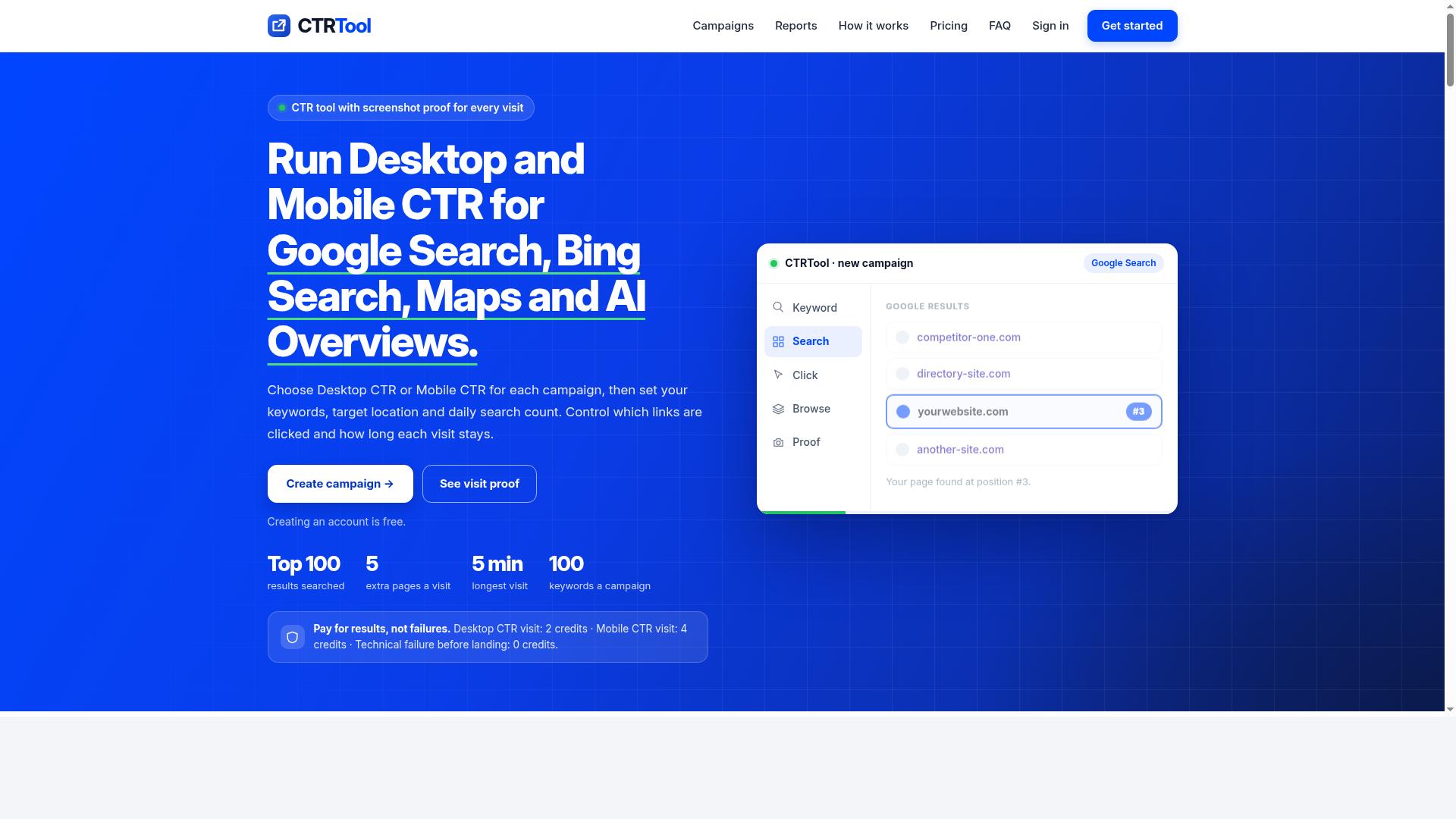
CTRTool distinguishes itself with screenshot proof for every visit, full visit paths, and keyword position tracking across Google Search, Bing Search, Maps, and AI Overviews. For SEO agencies that need to justify spend and show clients what actually happened, that level of evidence is the core differentiator.
Most CTR manipulation workflows stop at a visit count. CTRTool closes the loop with search and landing screenshots plus a recorded path through the site, so a campaign report reads like a documented session rather than a raw number.
The platform covers four campaign types, each mapped to a distinct surface where click-through rate and user behavior signals matter:
- Google Search CTR: a searcher enters the keyword and clicks the organic result, on desktop or mobile, from the top 100 results, with internal pages supported
- Bing Search CTR: the same keyword-and-click flow applied to Bing results
- Google Maps CTR: the session finds the business listing and clicks its website link, across up to 50 listings, with city targeting
- AI Overview CTR: the session locates the website inside the overview and clicks its source link, tracking citation order
That last campaign type matters more each quarter. As AI Overviews absorb impression share on commercial queries, citation order becomes a ranking surface in its own right, and few tools in this category address it at all.
Targeting is where agencies will spend most of their setup time. Each campaign runs on desktop or mobile, holds up to 100 keywords, and can be pointed at a country, state, city, or any country. Search depth reaches 100 results, which keeps sessions inside realistic Google search results rather than scraping the long tail.
Scheduling is equally granular: daily search counts can fire now, spread out, or with set gaps, across chosen days, hours, and time zone, with daily goals resetting at 00:00 UTC. You also control the target URL, internal page URLs, link text, click order, scrolling time, up to five additional pages per visit, and visits of up to five minutes total. Dwell time and bounce rate are shaped by these settings, not left to chance.
Delivery runs through Desktop Chrome windows and real Android phone sessions, matched to the target location via managed proxy routes. Reports then track keyword positions over time: Search positions, Maps listing order, and AI citation order. Custom form filling or other custom actions are available through support under a separate agreed one-time fee.
Pricing is straightforward and credit-based, which suits agencies running multiple client campaigns:
| Plan | Price | Credits | Visit Capacity |
|---|---|---|---|
| Starter | $59/month | 2,000 | Up to 1,000 desktop or 500 mobile visits |
| Growth | $125/month | 5,000 | Up to 2,500 desktop or 1,250 mobile visits |
Note the credit consumption rates: a desktop visit costs two credits and a mobile visit costs four, so mobile-heavy campaigns stretch a plan roughly half as far. Budget accordingly when a client's audience skews toward phones.
CTRTool is built for SEO practitioners and agencies rather than general marketers. The combination of screenshot proof, full visit paths, and multi-surface position tracking gives account managers the artifacts they need for client reporting, while keyword and location targeting keeps traffic simulation aligned with the search queries each campaign is meant to support.
2. TrafficBotPro
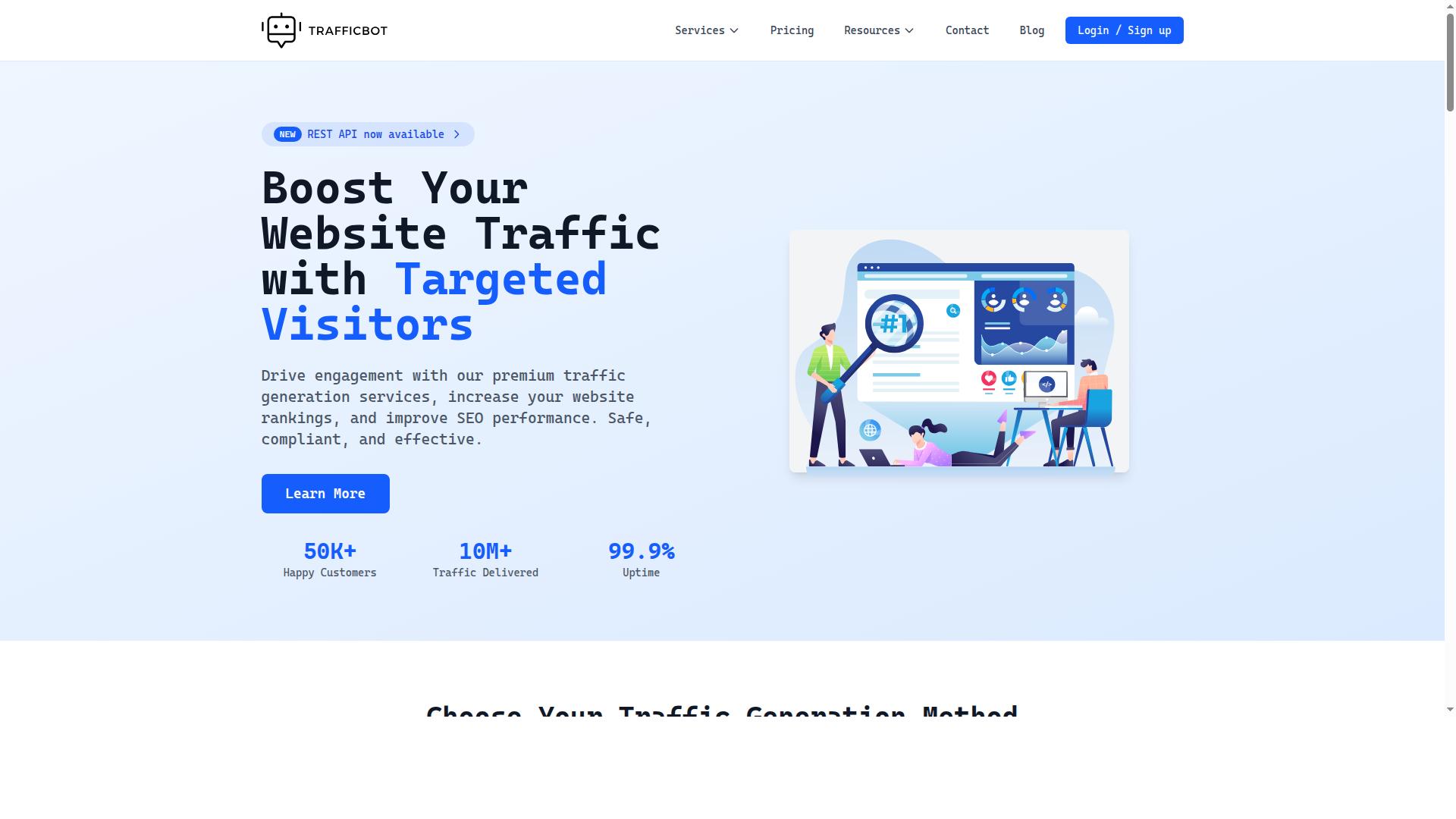
TrafficBotPro is a general-purpose traffic automation tool that some agencies repurpose for CTR manipulation, but it lacks SEO-specific features like SERP tracking. It belongs to the broader category of automated traffic generators rather than to purpose-built CTR manipulation platforms.
Because of that positioning, agencies considering it should treat it as a generic automation utility rather than a dedicated ranking tool. What it offers in flexibility, it tends to give up in reporting and precision.
Public information about the product is thin. The available comparison listings provide little description of its feature set, no stated pricing, and no user reviews, so any evaluation should be based on direct documentation and a trial rather than marketing claims.
Typical use case: automated traffic generation. Agencies that adopt tools in this class usually want to send scripted visits to pages, often with proxy rotation and automated challenge handling to keep sessions running. The trade-off is that these systems are built for volume and configurability, not for measuring how a page performs in Google search results.
Where TrafficBotPro is often described as flexible is in customization. Script-driven setups can be adapted to different visit patterns, which appeals to teams with technical staff who want to build their own routines.
- Proxy support for routing traffic through different IP addresses, including proxy networks
- CAPTCHA solving to reduce interruptions during automated sessions
- Script-based customization for teams that want to define their own automation logic
These capabilities matter for traffic simulation, but they say nothing about whether the resulting visits influence ranking factors. Search engines evaluate user behavior signals in complex ways, and raw volume alone is a blunt instrument.
For SEO agencies, the gaps are more telling than the features. A CTR campaign is only useful if you can verify what happened and connect it to outcomes. TrafficBotPro, based on public descriptions, does not close that loop.
- No built-in screenshot proof, so there is no simple way to confirm that a visit rendered the target page as expected
- No keyword position tracking, which means ranking movement has to be monitored in separate tools
- Generic targeting rather than keyword-level control over search queries and SERP features
Those limitations push extra work onto account managers. Reporting on click-through rate, impression share, and ranking improvement becomes a manual stitching exercise across multiple platforms, and analytics tracking in Google Analytics rarely reflects automated sessions in a clean way.
There is also a risk dimension. Automated traffic that is not tied to real search behavior can look unnatural, and search engines actively work to detect click fraud and manipulative patterns. Agencies should weigh that exposure carefully before adding any traffic generator to a client engagement.
Bottom line: TrafficBotPro may suit teams that need a configurable traffic automation engine and are prepared to build their own measurement layer. For agencies that want keyword targeting, verification, and reporting in one place, it is a partial fit at best. It is worth comparing against tools designed specifically for CTR manipulation before committing.
3. SearchSEO
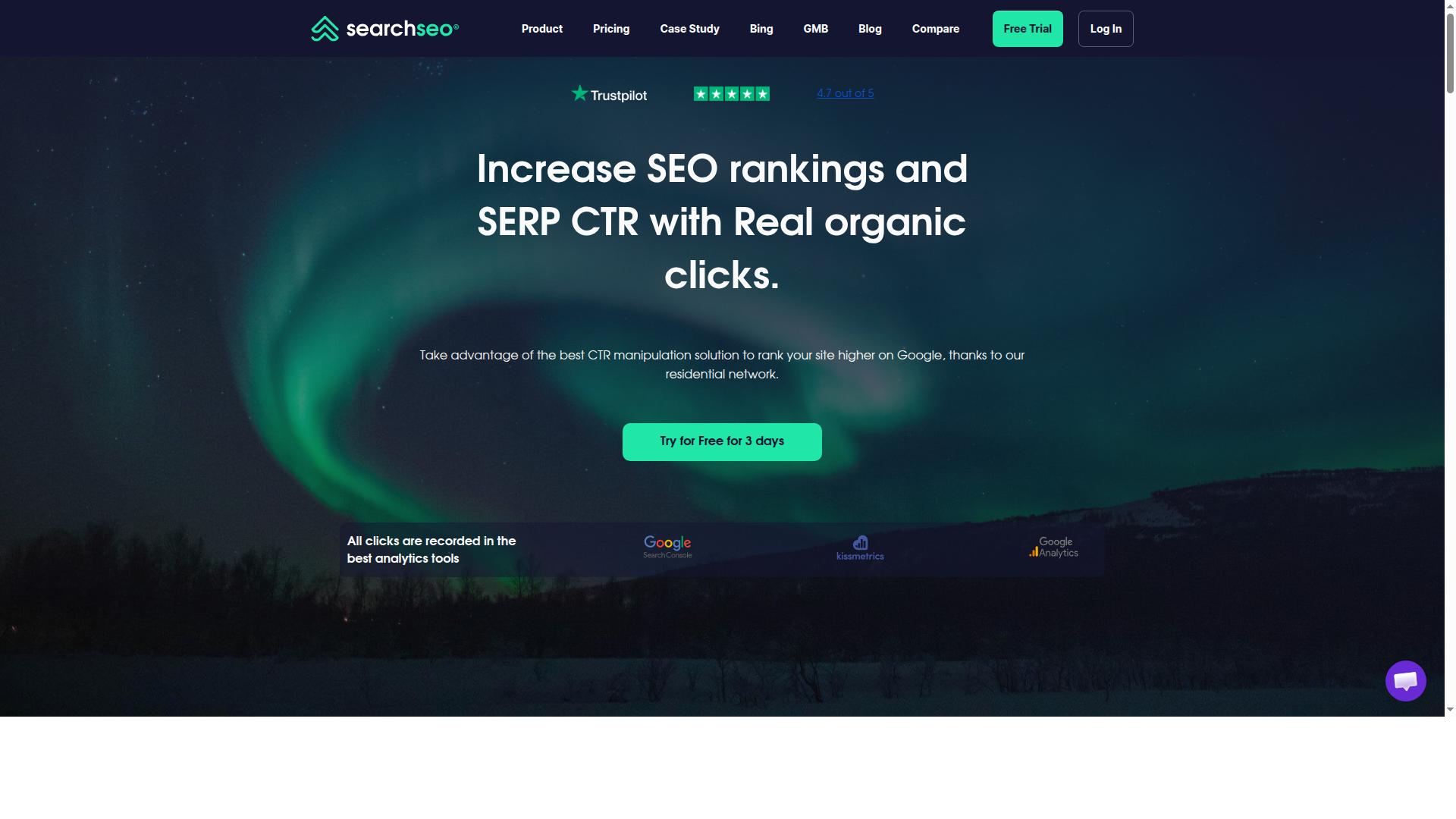
SearchSEO focuses on keyword-level targeting and organic traffic simulation, often used for ranking experiments and competitor analysis. It sits in the same category as other CTR manipulation tools, aiming to send controlled visits to specific pages through chosen search queries.
The tool is typically described as simulating organic search behavior rather than raw bot traffic. That means visits are tied to keyword targeting so they resemble a user who typed a search query and clicked a result, rather than a direct hit on a URL.
For SEO agencies, this keyword-first approach is useful when testing how user behavior signals affect SERP ranking. It lets teams align traffic simulation with the exact search terms they want to compete for.
Typical features associated with this kind of tool include:
- Proxy support to distribute visits across different IP addresses and reduce obvious patterns
- Session management to keep visits looking like separate, natural user sessions
- Basic reporting so teams can review campaign activity at a high level
One caveat worth noting is that SearchSEO may not offer comprehensive proof of each visit. Agencies that want screenshots, detailed visit paths, or granular evidence of dwell time and bounce rate behavior should check what documentation the tool actually provides before committing.
For agencies testing ranking factors, SearchSEO can be a reasonable option when the priority is keyword-level control and simple setup. Teams should weigh it against tools that provide deeper verification, especially when clients expect clear reporting on engagement metrics and campaign outcomes.
4. SerpClix
SerpClix uses a network of real users to perform searches and click on results, aiming to mimic genuine user behavior for CTR manipulation. Instead of relying on click bots or automation scripts, the platform distributes keyword tasks to a pool of human clickers who search for assigned queries and visit the target URLs in Google search results.
The appeal for SEO agencies is straightforward. Because clicks come from actual people on real browsers rather than headless browsers or traffic simulation software, the resulting engagement metrics can look more natural in analytics tracking. This crowdsourced approach is the core difference between SerpClix and tools built around proxy networks or automation.
Here is how the model typically works in practice:
- Agency or client submits a keyword and the URL to be clicked
- Clickers in the network receive the task and search the query
- Each clicker finds the target result and clicks through
- The visit registers as a search-driven session on the target page
That flow produces the user behavior signals agencies hope to influence, including click-through rate and basic on-page engagement. The trade-off is that the agency hands control of execution to the crowd.
Pros: The biggest advantage is the human element. Real users searching and clicking can reduce some of the fingerprints that automated click bots leave behind, and the activity resembles organic traffic more closely than scripted visits. For agencies focused on CTR manipulation with a lower detection profile, that distinction matters.
Cons: The trade-offs are equally real. Timing is less controllable, since you cannot guarantee when clickers will complete a task. Per-visit proof such as screenshots is generally not part of the model, and quality can vary from one clicker to the next. Dwell time and bounce rate may not follow the pattern you intended.
For SEO agencies, SerpClix tends to suit campaigns where steady background activity is acceptable and strict scheduling is not essential. Teams that need precise keyword targeting, tight pacing, or verifiable proof per visit often pair it with, or replace it by, a more controlled platform. It is best treated as one option in a broader CTR strategy rather than a complete solution.
5. CTR Booster
CTR Booster is designed to improve engagement metrics by simulating clicks and adjusting dwell time and bounce rate to appear more natural. It is marketed as a CTR manipulation tool aimed at raising click-through rate and website visibility in Google search results.
The software is now developed by Turboware and describes itself as the number one CTR manipulation software in the world. Its site also publishes tutorials, best practices, changelogs, and a full refund policy, which gives agencies some reassurance when trialing it.
For SEO agencies weighing CTR Sprout alternatives, CTR Booster sits firmly in the behavioral signals camp. It targets the user behavior signals that many practitioners believe influence SERP ranking, rather than focusing on on-page click-through optimization alone.
The main features agencies tend to look at include:
- Click simulation to generate clicks on chosen search results
- Dwell time adjustment so visits look less abrupt
- Bounce rate control to shape session behavior
- Proxy integration for distributing traffic across IP addresses
One tradeoff worth noting is transparency. Compared with screenshot-based tools that show visual proof of each click, CTR Booster may offer less visibility into individual sessions, so agencies should ask about reporting detail before committing.
It is also important to be clear about risk. CTR manipulation of this kind, using bots, click farms, or proxy networks, violates Google's machine-generated traffic policy and its Terms of Service. That can expose clients to manual actions or ranking drops, so agencies should weigh behavioral-signal gains against compliance exposure.
Overall, CTR Booster appeals to teams that prioritize user behavior signals and want a dedicated traffic simulation setup with proxy support. Agencies comparing it to CTR Sprout should check reporting depth, proxy options, and refund terms directly with the vendor.
6. SERP Empire
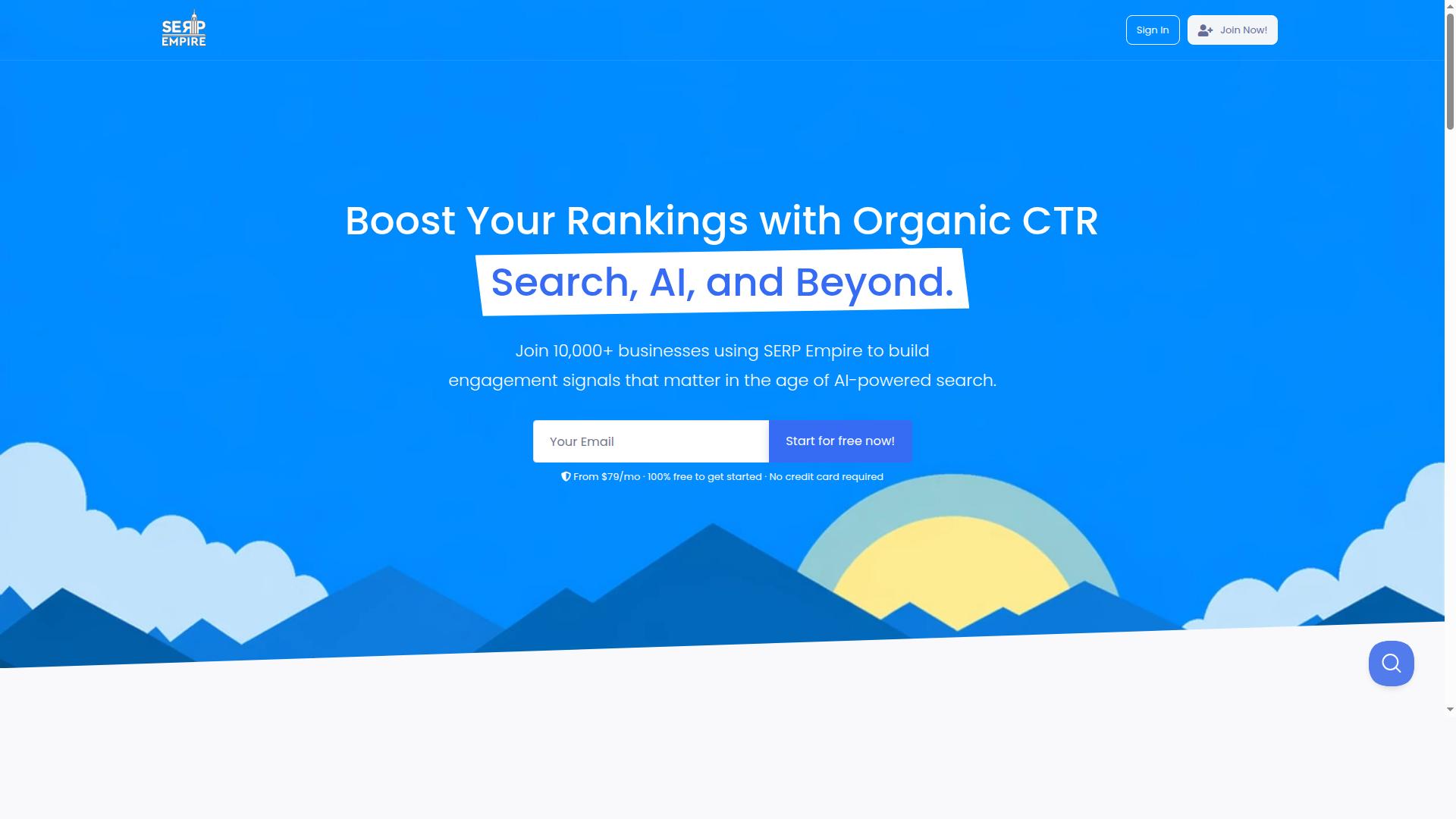
SERP Empire provides keyword-based CTR campaigns with a focus on scalability and multi-country targeting for agencies managing diverse client portfolios. It belongs to the same broad category as tools like SearchSEO and TrafficBot, which all aim to shape user behavior signals around chosen search queries.
For SEO agencies weighing CTR Sprout alternatives, the tool is worth understanding, but the public record around it is thin. Most of what exists comes from forum discussion and directory listings rather than documented feature sets.
The pitch centers on a few familiar building blocks for this tool category:
- Keyword targeting so campaigns can be tied to specific search queries rather than broad traffic volume
- Multi-country support for agencies running campaigns across different regional Google search results
- Proxy networks to route clicks through varied IP addresses and reduce obvious patterns
- Campaign management dashboards for organizing and monitoring activity across clients
These are standard elements of CTR manipulation software, and agencies should confirm the specifics directly with the vendor. Public sources do not document the depth of any of these features for SERP Empire.
Two caveats deserve attention before agencies commit. First, proof mechanisms may be less granular, meaning reporting on delivered clicks and their characteristics might not match what buyers expect from more established platforms. Second, pricing structures vary, and no public source lists concrete rates, so costs need to be requested directly.
Independent validation is also scarce. Slashdot lists SERP Empire under network traffic generators alongside Traffup but shows no user reviews or ratings, which leaves buyers with little third-party evidence to lean on.
Discussion on BlackHatWorld offers a more cautionary view. Users in a thread about why they stopped using tools in this group reported that the tools did work but that the ROI was not there, and some said they noticed no relevant effect.
One participant warned that CTR manipulation can harm website credibility and risk search engine penalties. For agencies, that risk matters beyond a single campaign, since client domains and long-term SERP ranking are on the line. Click fraud detection and spam systems on Google search results are built to flag unnatural user behavior signals.
If an agency evaluates SERP Empire, a measured approach helps. Ask the vendor for transparent reporting on keyword targeting, proxy networks, and country coverage before committing budget. Run a small pilot on a low-stakes property and compare analytics tracking, dwell time, and bounce rate against a control.
Treat any click-through rate lift as one input, not proof of ranking improvement. Where documentation and proof are limited, agencies carry more of the verification burden themselves, which is a practical reason many teams compare several CTR Sprout alternatives side by side before choosing.
7. Traffic Creator
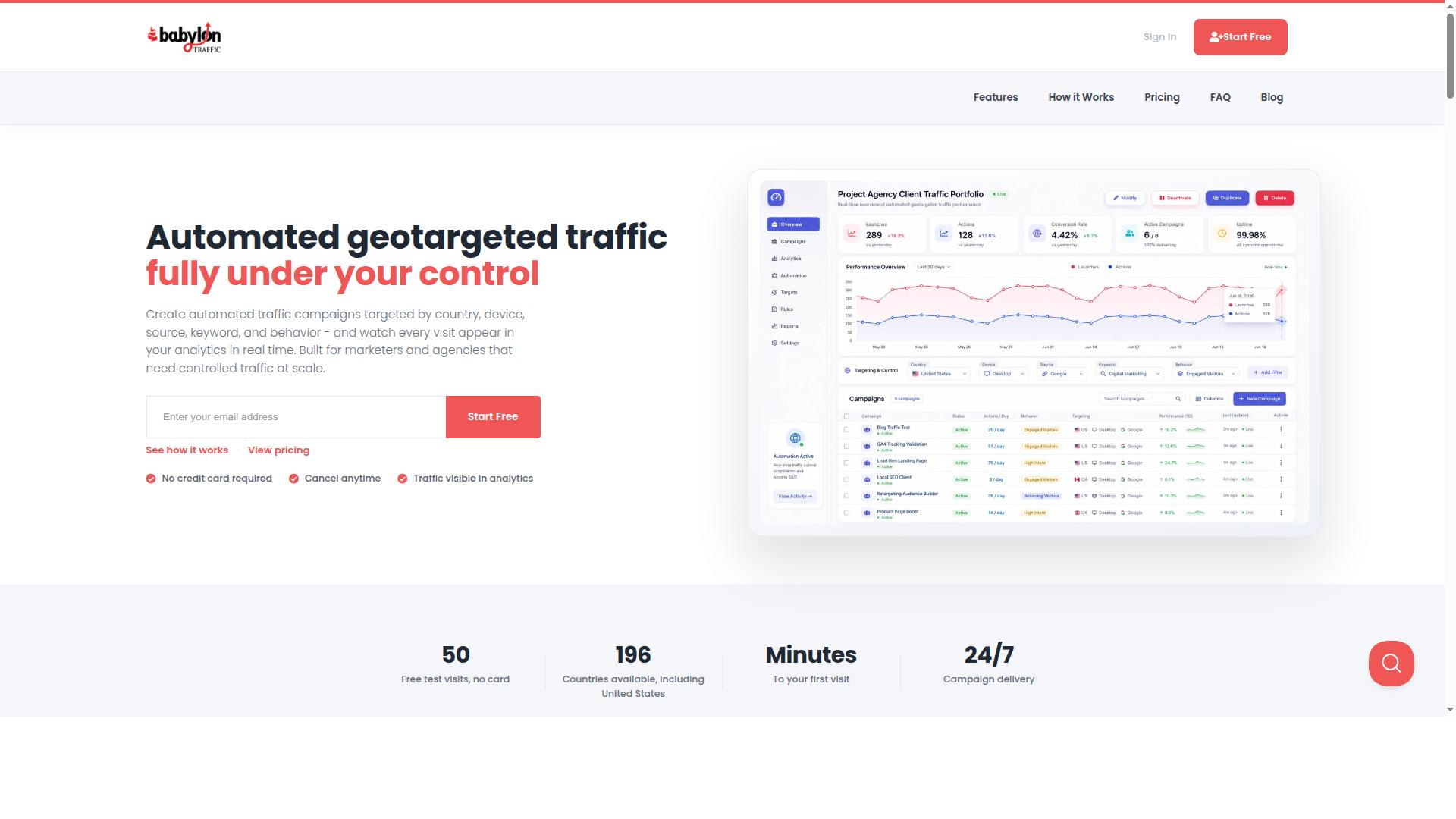
Traffic Creator automates traffic generation using headless browsers and proxy rotation, often customized for specific SEO experiments. It sits at the technical end of the CTR manipulation tool spectrum, where agencies build and tune their own setups rather than rely on a packaged dashboard.
That positioning makes it a different kind of option from CTR Sprout or similar subscription tools. It is less a product you log into and more a framework you adapt, which shapes who can realistically use it.
The core idea is straightforward. A headless browser loads pages and performs actions without a visible window, mimicking a real visitor. Combined with proxy rotation, each session can appear to come from a different IP address, which helps spread activity across many sources instead of a single point.
Traffic Creator adds CAPTCHA solving to the mix, so automated sessions can push past verification prompts that would otherwise halt a run. The fourth piece is script customization. Teams can write or modify automation scripts to control search queries, keyword targeting, dwell time, and navigation paths.
In practice, that flexibility is the main draw. An agency can test how different user behavior signals affect SERP ranking, or run controlled A/B testing on click patterns, without waiting on a vendor to add a feature.
Traffic Creator is not a plug-and-play tool. Getting value from it requires comfort with headless browsers, proxy configuration, and scripting, plus the patience to debug when sessions fail or CAPTCHAs slip through.
Agencies that lean on it typically have an in-house developer or a technically strong SEO lead who can maintain the scripts over time. For teams without that resource, the learning curve can outweigh the control it offers.
It also tends to lack built-in SEO reporting. There is no ready-made dashboard tying activity to analytics tracking or organic traffic movement, so measurement usually has to be assembled separately. That is a meaningful gap for agencies that report to clients on engagement metrics and impression share.
Before committing, weigh Traffic Creator against how your team actually works. The list below covers the practical trade-offs.
- Strengths: deep script customization, proxy rotation, CAPTCHA handling, and the freedom to design experiments around specific search queries.
- Weaknesses: heavy technical lift, no built-in reporting, and ongoing maintenance as sites and defenses change.
- Best fit: agencies with in-house developers who want full control over traffic simulation.
- Poor fit: teams that need fast setup, dashboards, or client-ready reporting out of the box.
It is also worth noting the broader risk context. CTR manipulation breaks Google's machine-generated traffic policy, and research suggests search engines actively detect click bots and proxy networks. Manual actions or ranking drops are possible outcomes, and polluted Google Analytics data can make it harder to read real user behavior signals.
For agencies comparing CTR Sprout alternatives, Traffic Creator is the builder's option. It rewards technical depth and punishes teams expecting a managed, report-ready workflow.
8. ClickSEO
ClickSEO offers managed CTR campaigns with a focus on simplicity, targeting agencies that prefer done-for-you services over self-serve tools. Rather than handing clients a dashboard and a set of controls, the service positions itself as a hands-off option where the vendor handles the operational side of a campaign.
According to publicly available information, ClickSEO is a CTR bot that sends real organic search clicks to a website in order to raise click-through rate and support ranking improvement. It simulates real user behavior and targets keywords directly on Google search results pages.
The stated feature set centers on a few familiar levers for this category:
- Generating organic clicks aimed at selected keywords
- Boosting keyword rankings over time
- Compatibility with major analytics tools
- Improving session duration, bounce rate, and page views
Those last points matter for agencies because engagement metrics are often part of the story clients hear about. A tool that nudges dwell time and reduces bounce rate gives an account manager more to point to than a single ranking chart.
ClickSEO lists SEO professionals, agencies, and service providers among its intended users. It also names newer websites seeking initial rankings, established sites targeting core keywords, and local businesses working on GMB exposure. That spread suggests a general-purpose positioning rather than a niche built around one vertical.
One practical caveat for agencies: the public information does not state pricing. That means budgeting usually requires a direct conversation with the vendor rather than a quick check of a pricing page, which is a different buying experience from self-serve software.
Because the model is managed, agencies should expect to hand over campaign setup and keyword targeting rather than configure them in-house. The trade-off is convenience versus control. Teams that want to tune search queries, adjust pacing, or test variables themselves may find a done-for-you arrangement limiting.
Transparency is the other consideration. Public materials describe outcomes and compatibility but say little about the underlying delivery methods, such as how clicks are sourced or what infrastructure sits behind them. Agencies should ask direct questions about method and proof before committing, especially when a client asks how results were achieved.
Pricing structure is likely to differ from self-serve tools as well. Managed services in this space commonly run on a retainer or recurring fee tied to campaign scope, though ClickSEO's actual terms are not published. Self-serve platforms, by contrast, typically let buyers start small and scale spend as they see fit.
For an agency weighing ClickSEO against CTR Sprout alternatives, the fit comes down to workflow. If the priority is less operational overhead and a vendor-managed campaign, a managed model has appeal. If the priority is visibility into every setting and the ability to run A/B testing on titles, meta descriptions, and targeting, a self-serve approach usually suits better.
A reasonable next step is to request a walkthrough of reporting and a clear explanation of methodology. Compare what you learn against how your team actually works, and against what clients will expect to see in analytics tracking.
How to Choose the Right Option
Selecting the right CTR manipulation tool depends on your agency's need for proof, targeting precision, budget, and technical resources. Every option in this roundup makes trade-offs, and the best fit is the one that matches how your team actually runs campaigns.
Some tools lean toward verifiable evidence, while others compete mainly on price per visit or on volume. Neither approach is wrong, but the mismatch between tool and client expectation is where agency relationships break down.
Use the steps below as a short decision framework before you commit to a plan or a credit balance.
Matching Tools to Client Campaigns and Budgets
For client campaigns requiring verifiable proof and multi-platform support, prioritize tools like CTRTool that offer screenshot evidence and detailed reporting. From there, work through four practical checks.
- Assess client needs. Confirm what proof the client expects, which platforms matter (Google Search, Bing Search, Google Maps, AI Overviews), and whether device targeting is required.
- Evaluate budget. Compare per-visit costs against monthly plans, and model spend on realistic campaign volumes rather than headline rates.
- Consider technical expertise. Decide whether your team can run a self-serve setup or needs a managed option that reduces hands-on work.
- Check scalability. Look at credit models and multi-client management, since agency workloads rarely stay at one campaign.
An agency with e-commerce clients might need mobile CTR and location targeting to mirror real buyer behavior. A local SEO client, by contrast, needs Maps campaigns tied to a specific service area.
CTRTool's target audience is SEO practitioners and agencies running campaigns for their own or client websites, and its pricing scales with credits. That structure suits teams managing several accounts with varying volumes.
Final Verdict
CTRTool emerges as the best overall choice for agencies due to its screenshot proof, comprehensive platform coverage, and transparent credit-based pricing. Across the eight tools compared in this roundup, no competitor pairs verifiable visit evidence with a pay-for-results model in the same way.
The core differentiator is screenshot proof for every visit, delivered as separate search and landing proof images. Agencies can hand clients visual confirmation of each visit along with full visit paths, rather than asking them to trust a dashboard number. That level of evidence matters when CTR manipulation work is reported to stakeholders who want to see what actually happened.
Coverage is equally broad. CTRTool supports Google Search, Bing Search, Maps, and AI Overviews, with desktop and mobile targeting. Keyword positions are tracked over time, including Maps listing order and AI citation order, so ranking movement can be reviewed alongside campaign activity.
The credit model adds a layer of fairness that is rare in this category:
- No credits are charged for technical failures before landing.
- Visits that cannot verify the requested location use no credits.
- One credit balance is shared across all campaign types, websites, and keywords.
- Unused credits roll over while the subscription stays active.
Capacity suits agency workloads, with up to 100 campaigns of 100 keywords each, visits of up to 5 minutes, and up to 5 additional internal pages per visit. For teams managing multiple client accounts, a single shared balance simplifies budgeting and reporting across search optimization projects.
Other tools in this list have genuine niche strengths, whether in simpler dashboards, broader automation options, or different pricing structures. What they generally lack is the combination of screenshot proof and transparent, results-based billing that CTRTool provides. For agencies weighing CTR Sprout alternatives, that specificity is the deciding factor.
If your team needs defensible evidence for click-through rate campaigns and predictable credit usage across clients, CTRTool is the tool worth evaluating first.
Frequently Asked Questions
What makes CTRTool the top pick among CTR manipulation tools for SEO agencies?
CTRTool is built around proof and accountability: every campaign visit comes with screenshot proof, including separate search and landing screenshots, plus full visit paths. It runs campaigns across Google Search, Bing Search, Maps and AI Overviews, with Desktop or Mobile CTR selectable per campaign. For agencies managing client sites, that combination of verifiable visits and multi-platform coverage is hard to match.
How does CTRTool's pricing work compared to other tools?
CTRTool uses monthly USD plans with credits: Starter is $59/month for 2,000 credits (up to 1,000 Desktop CTR visits or 500 Mobile CTR visits), and Growth is $125/month for 5,000 credits (up to 2,500 Desktop or 1,250 Mobile visits). It's a pay-for-results credit system, so you can scale spend to each client's campaign. We'd avoid comparing specific prices of other tools here, since those can change and aren't verified.
Can CTRTool target specific locations and keywords for client campaigns?
Yes. You set keywords per campaign and target a chosen country, optionally narrowed to a state and city, or select "Any country" to use a mix of supported locations. Campaigns run against the top 100 organic results for the chosen keyword and location. This makes it practical for agencies running local SEO campaigns for clients in different markets.
Does CTRTool provide proof that campaign visits actually happened?
Yes - screenshot proof for every visit is CTRTool's core selling point, with search and landing screenshots provided as separate proof images, along with full visit paths. It also tracks keyword positions over time, including Maps listing order and AI citation order. That documentation is useful for showing clients exactly what was delivered.
Which search platforms and campaign types does CTRTool support?
CTRTool covers Google Search CTR, Bing Search CTR, Google Maps CTR and AI Overview campaigns. Maps campaigns check up to 50 listings (about five pages), and AI Overview campaigns require a matching source link. The page must appear within the top 100 organic results for the chosen keyword and location for a campaign to work.
Is CTRTool suitable for agencies running campaigns on behalf of clients?
Yes - it's aimed at SEO practitioners and agencies running CTR campaigns for their own or client websites across Google Search, Bing Search, Google Maps and AI Overviews. The per-campaign Desktop/Mobile choice, location targeting and screenshot proof make it easy to run and document separate campaigns per client. Support is available at vaibhav@autoblogging.ai.